A Markdown viewer that treats
reading as the point.
Most Markdown tools are editors first — reading is a preview pane bolted on the side. bare opens every file as a clean rendered page, in a real reading column.
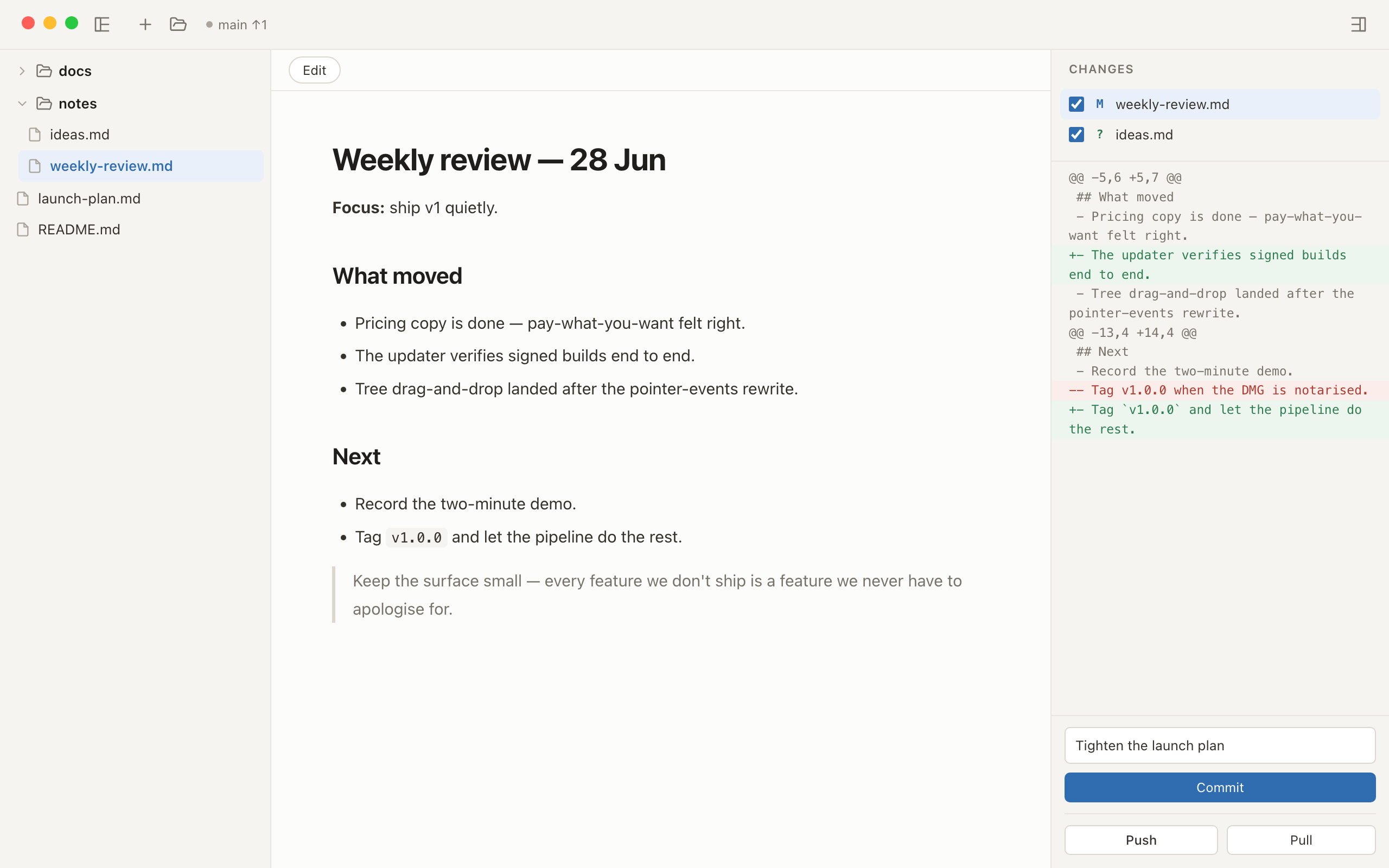
Opening .md files on a Mac
macOS has no built-in rendered view for Markdown. TextEdit shows the raw source — hash marks, asterisks and all — and Quick Look does the same. The files were written to be read, and nothing on the Mac reads them.
bare does one thing about that, properly: point it at the folder that holds your Markdown (or drop the folder onto it) and every file opens as a page — headings, tables, lists and code set in a quiet reading column, with a folders-first tree alongside for moving between files.
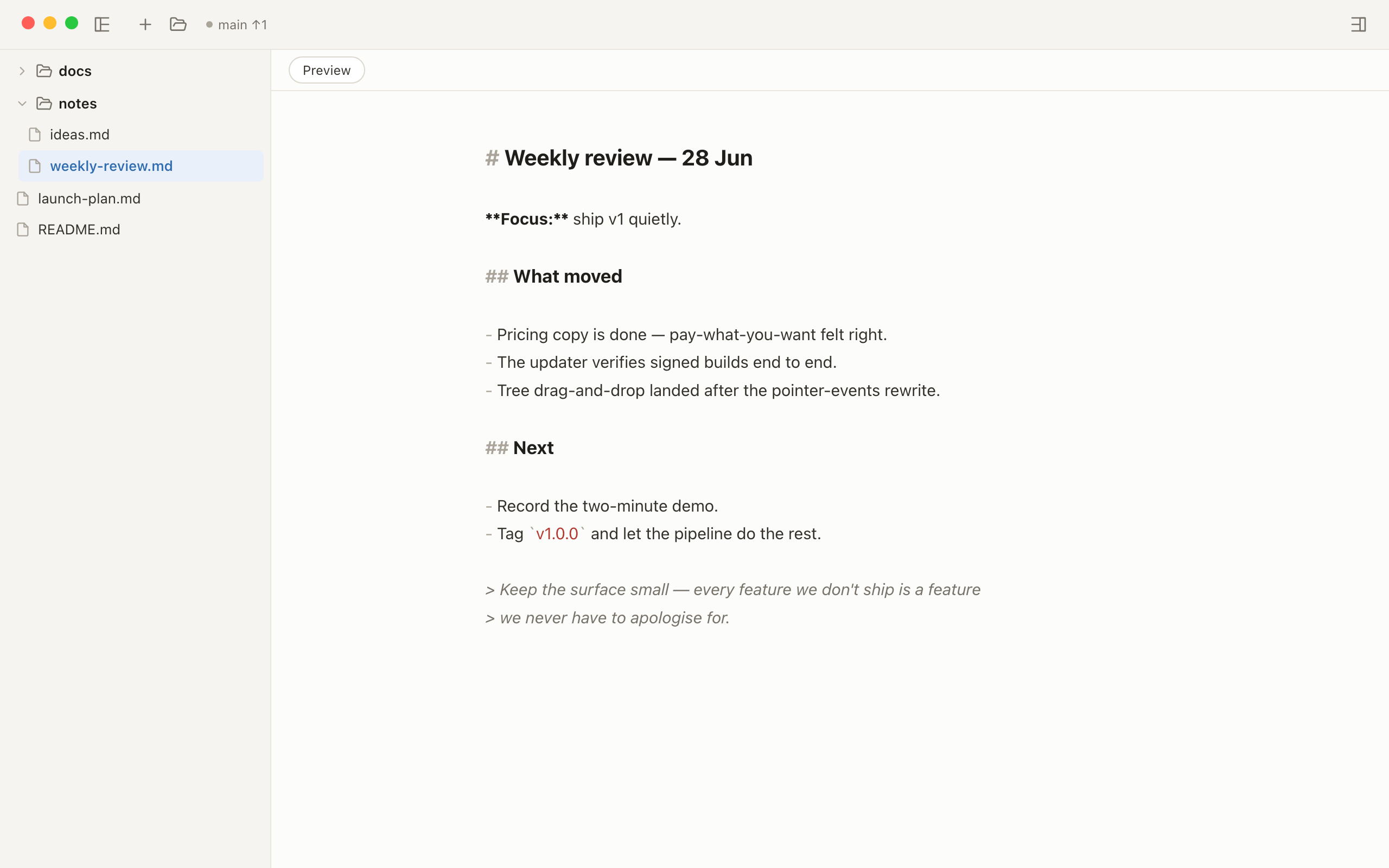
⌘E when you need
the source.
A viewer that can't edit sends you back to another app. In bare, ⌘E
flips the page you're reading into gently highlighted source — same file, same
reading column — and back again when you're done. ⌘F finds within
the file.
Made for real folders, including ones you didn't write
- Whole folders, not single files — docs directories, notes archives, repos full of READMEs and reports.
- GitHub-Flavored Markdown — tables, task lists, fenced code blocks render the way they do on GitHub.
- Safe to open anything — rendered HTML is sanitised, and remote content is blocked by default with a per-file opt-in. Local images in your folder render normally.
- Native macOS — a small, quick app, not a browser tab or an Electron shell.
- Quietly Git-aware — if the folder is a repository, changed files and diffs are right there when you want them, invisible when you don't.
Questions people ask
How do I read a Markdown file on a Mac without seeing raw syntax?
macOS has no built-in rendered view for Markdown — TextEdit and Quick Look show the raw source, hash marks and all. bare renders whole folders of .md files as clean, readable pages: download it free, open the folder that holds your files, and read.
Does bare render GitHub-Flavored Markdown?
Yes — GitHub-Flavored Markdown including tables, task lists and fenced code blocks. Everything is sanitised before display, and remote content is blocked by default, so unfamiliar files are safe to open.
Is bare a viewer or an editor?
Both, in that order. Files open rendered, as pages meant for reading; press ⌘E to flip the same page to source editing when you want to write. And for folders that are Git repositories, the whole commit–push–pull loop is built in.
Give your Markdown a reader.
Download free and open the folder you've been squinting at in raw text.
Download free for macOSWriting too? Markdown editor with Git built in · Agent output piling up? Review AI-written Markdown